
- Added a way to extract email from URL on registration of free rooms
- Changed the queue for the webhook
- Added new feature to track UTM subscriber and send out a webhook
Lorem ipsum dolor sit amet consectetur
Anim aute id magna aliqua ad ad non deserunt sunt. Qui irure qui lorem cupidatat commodo. Elit sunt amet fugiat veniam occaecat fugiat aliqua.
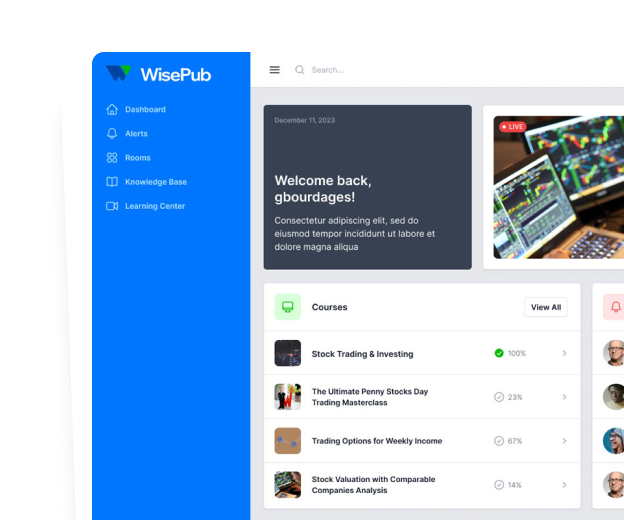
Deploy faster
Features to simplify everyday business tasks
Your members and your administators will love it! Simplified centralization of resources and publishing tools.
Live Alerts and Announcements
This feature enables moderators and traders to publish real-time alerts. Integrated SMS and email support enhance the reach and immediacy of these alerts.
Live Webinar Capabilities
The platform allows hosting live webinars with real-time call to actions (CTAs) and tracking, fostering interactive and engaging learning experiences.
Advanced Chat System
A specialized chat feature focused on sales, offering functionalities like message tagging, user tagging, and chat badges based on subscription levels. It's optimized for live events and includes chat moderation.
Subscription Based Content Accessibility
Ensures that members access only the content they are subscribed to with an easy tagging system.
Everything you need
No server? No problem.
Lorem ipsum, dolor sit amet consectetur adipisicing elit. Maiores impedit perferendis suscipit eaque, iste dolor cupiditate blanditiis.
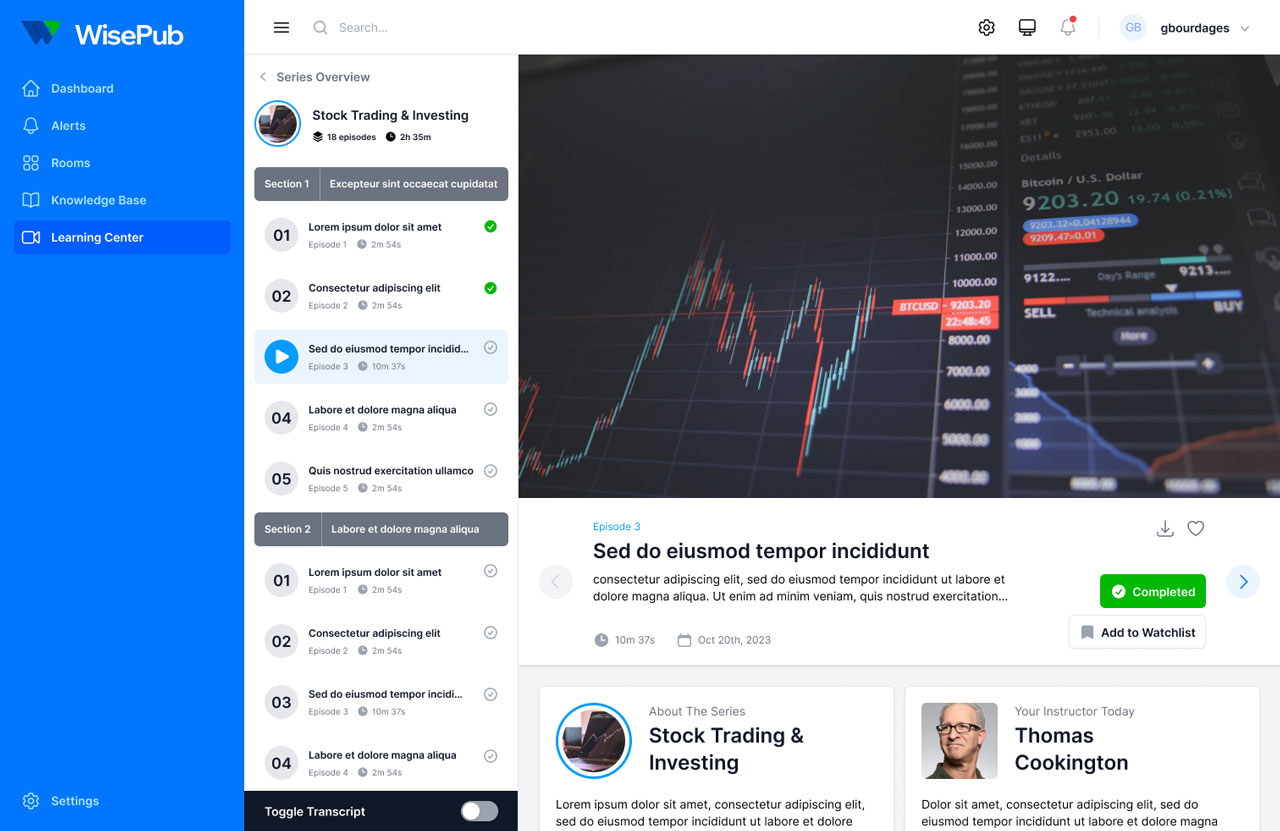
Push to deploy.
Lorem ipsum, dolor sit amet consectetur adipisicing elit aute id magna.
SSL certificates.
Anim aute id magna aliqua ad ad non deserunt sunt. Qui irure qui lorem cupidatat commodo.
Simple queues.
Ac tincidunt sapien vehicula erat auctor pellentesque rhoncus.
Advanced security.
Lorem ipsum, dolor sit amet consectetur adipisicing elit aute id magna.
Powerful API.
Anim aute id magna aliqua ad ad non deserunt sunt. Qui irure qui lorem cupidatat commodo.
Database backups.
Ac tincidunt sapien vehicula erat auctor pellentesque rhoncus.
Boost your productivity. Start using our app today.
Lorem ipsum, dolor sit amet consectetur adipisicing elit. Maiores impedit perferendis suscipit eaque, iste dolor cupiditate blanditiis.
Push to deploy.
Lorem ipsum, dolor sit amet consectetur adipisicing elit aute id magna.
SSL certificates
Anim aute id magna aliqua ad ad non deserunt sunt. Qui irure qui lorem cupidatat commodo.
Database backups.
Ac tincidunt sapien vehicula erat auctor pellentesque rhoncus.
Changelog
Detailed updates and improvements
Stay informed about the latest changes and how they contribute to making WisePub more efficient and user-friendly for all our subscribers
Anim aute id magna aliqua ad ad non deserunt sunt. Qui irure qui lorem cupidatat commodo. Elit sunt amet fugiat veniam occaecat fugiat aliqua.
Changelog
Detailed updates and improvements
Stay informed about the latest changes and how they contribute to making WisePub more efficient and user-friendly for all our subscribers
v4.8.0
- September 11, 2024
v4.7.2
- September 9, 2024
- Added info for the clickfunnel webhook URLs
- Added information for the clickfunnel integration
v4.7.1
- September 8, 2024
- Fixed the URL to support ClickFunnel classic
- Changed the way we handle routes for ClickFunnel to support the structure
- Added new webhook classic for ClickFunnel, adding user only
v4.7.0
- September 7, 2024
- Fixed issue where scheduled posts were not published automatically
- Upgraded all JS packages
- Added new setting for room organization
- Fixed an issue with the “publish now” feature not working
- Added a new option to remove the count from rooms
- Redesigned the panel to edit options
Get Started Now!
Learn how you can leverage WisePub’s Custom MarTech Solution in your business for immediate and transformative results. Drop us your name and email address to secure your free demo today.
"*" indicates required fields
